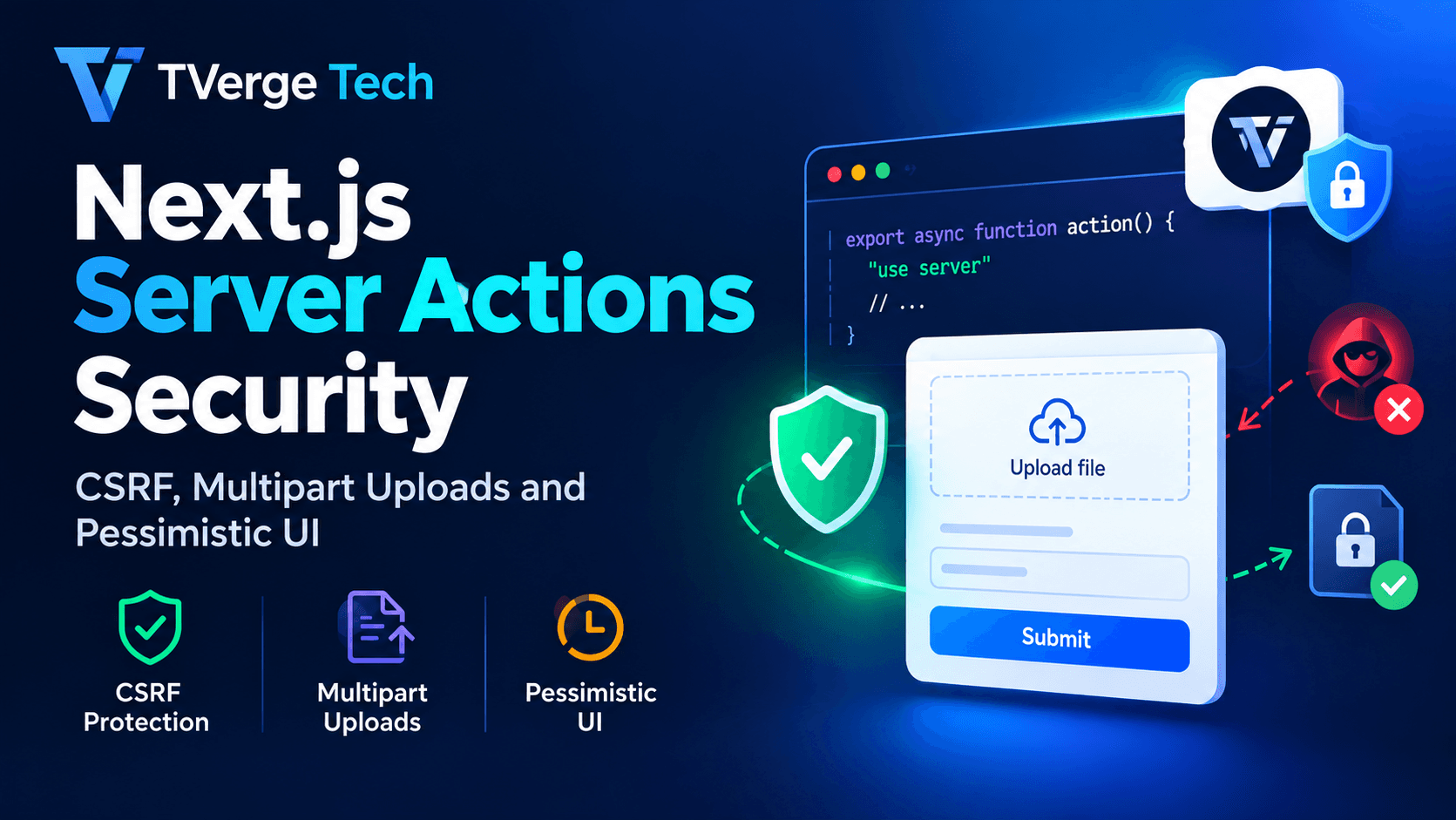
Next.js Server Actions Security: CSRF, Multipart Uploads and Pessimistic UI
Server Actions make mutations feel almost too easy. You write an async function, mark it with "use server", wire it to a <form>, and the framework handles the rest. That convenience hides a fact that matters for security: every Server Action is a public HTTP endpoint. Anyone who can reach your app can try to call it, with any input, in any order, from any tool.
This guide explains what Next.js already does to protect your actions, where those protections stop, and what you need to add yourself. We cover three areas that cause the most production trouble:
CSRF hardening: what the built-in Origin check covers, how to configure it behind proxies, and when to add explicit tokens.
Multipart file uploads: body size limits, server-side validation, and when to bypass Server Actions for large files.
Pessimistic UI state: showing the real server result before updating the interface, using useActionState, useFormStatus and idempotency keys.
The examples use the Next.js App Router with React 19 APIs and TypeScript. Where behavior depends on a version, we say so. Always confirm details against the official documentation linked throughout.
Understanding the mechanics makes the security model much easier to reason about.
When you define a Server Action, Next.js compiles it into a server-side function with a generated identifier. The client never receives your function body. It receives a reference to it, and invoking that reference sends an HTTP request back to the server.
According to the Next.js Data Security guide, Server Actions use the POST method, and only POST can invoke them. The framework also compares the Origin header to the Host header (or X-Forwarded-Host), so an action can only be invoked from the same host as the page that hosts it.
Encrypted action IDs and dead code elimination. Action references are encrypted at build time, and unused Server Functions are stripped from client bundles so they have no public endpoint.
Closure variable encryption. Values captured by an inline action's closure are encrypted before they reach the client. For multi-instance deployments, set NEXT_SERVER_ACTIONS_ENCRYPTION_KEY so every instance uses the same key.
A default body size cap. Action requests are limited to 1 MB unless you change it.
These are real, useful protections, but they are not a complete security model. Three consequences follow.
Encrypted IDs are not authorization. An action ID that is hard to guess does not stop a logged-in user, or an attacker with a stolen session, from calling it. Treat every action like a public API route.
Arguments are untrusted input. The client can send whatever it likes, whatever your TypeScript types say. Types disappear at runtime.
Authorization lives inside the action. Hiding a button in the UI is a usability choice, not an access control.
Cross-Site Request Forgery (CSRF) happens when a malicious page causes a victim's browser to send a state-changing request to your site, and the browser attaches the victim's session cookie automatically. Your server sees a valid session and, without extra checks, processes the request as if the user intended it.
The OWASP CSRF Prevention Cheat Sheet recommends defense in depth: token-based mitigation as the primary defense where feasible, plus SameSite cookies, Origin and Referer verification, and other layered checks. Server Actions give you some of these layers for free. Knowing which ones tells you what to add.
Layer 1: POST-only invocation
Because Server Actions accept only POST, a simple <img src> or link click cannot trigger them. This removes a whole class of trivial attacks. It does not stop a hostile page from submitting a cross-site <form method="post">, which is why the next layer matters.
Layer 2: The Origin and Host comparison
When a request arrives, Next.js compares the Origin header with the application's host, taken from X-Forwarded-Host or Host. A mismatch causes the action to be rejected. The serverActions configuration reference confirms that if you do not configure additional origins, only the same origin is allowed.
Browsers set the Origin header themselves on cross-origin POST requests, and page JavaScript cannot forge it, which makes this check effective against browser-based attacks.
Layer 3: SameSite cookies
Set your session cookie with SameSite=Lax or Strict, plus HttpOnly and Secure. The MDN Set-Cookie reference documents these attributes. With Lax, browsers do not send the cookie on cross-site POST requests, so a forged form submission arrives without a session.
// lib/session.ts
import { cookies } from "next/headers";

export async function setSessionCookie(token: string) {
  const store = await cookies();
  store.set("session", token, {
    httpOnly: true,
    secure: true,
    sameSite: "lax", // use "strict" for high-sensitivity apps
    path: "/",
    maxAge: 60 * 60 * 8,
  });
}
SameSite is a strong layer, but it operates at the level of a "site" (registrable domain), not an origin. Other subdomains you do not fully control can still be a risk. That is one reason to keep the other layers.
Where the built-in protections can fall short
The built-in checks are good, but they depend on correct configuration and up-to-date software.
Reverse proxies and CDNs. If your proxy rewrites the Host header without setting X-Forwarded-Host, legitimate requests can be rejected. If you allow extra origins carelessly, you widen the trust boundary. Add only domains you control to allowedOrigins, and avoid broad wildcards.
Framework vulnerabilities. In 2026, a security advisory described how a null origin was treated as a missing origin during Server Action CSRF validation, which could let a sandboxed context submit actions with the victim's credentials. It was fixed by treating null as an explicit value and enforcing the host check unless null is explicitly allowlisted. The lesson is practical: keep Next.js on a patched version and subscribe to the Next.js security advisories.
Route Handlers. Server Actions get these checks. Your own route.ts endpoints do not. If you accept cookie-authenticated POST, PUT or DELETE requests there, you must add CSRF protection yourself.
Side effects on GET. Never change state in a GET handler or in a Server Component render. SameSite=Lax still sends cookies on top-level GET navigations.
Configuring allowed origins behind a proxy
// next.config.js
/** @type {import('next').NextConfig} */
module.exports = {
  experimental: {
    serverActions: {
      // Only hosts you control. Keep this list as short as possible.
      allowedOrigins: ["app.example.com", "admin.example.com"],
    },
  },
};
The configuration reference notes that only the host portion of the request's Origin header is matched against your entries. Test this in a staging environment that mirrors production networking, because proxy behavior is the most common source of "Invalid Server Actions request" errors.
Layer 4: Explicit CSRF tokens for sensitive actions
For most forms, the Origin check plus SameSite cookies is a sound baseline. For high-impact operations such as changing an email address, deleting an account, transferring funds or altering permissions, add a synchronizer token. This is a random value tied to the user's session that must be submitted with the form. The Next.js security write-up for Server Components and Actions itself notes that Server Actions do not use CSRF tokens by default, which is why input sanitization and the extra layers matter.
Step 1: generate a token and store it in the server-side session.
// lib/csrf.ts
import { randomBytes, timingSafeEqual } from "node:crypto";

export function issueCsrfToken(): string {
  return randomBytes(32).toString("base64url");
}

export function verifyCsrfToken(expected: string, provided: unknown): boolean {
  if (typeof provided !== "string") return false;
  const a = Buffer.from(expected);
  const b = Buffer.from(provided);
  // timingSafeEqual throws on length mismatch, so check first
  return a.length === b.length && timingSafeEqual(a, b);
}
Step 2: render the token in a Server Component form.
Step 3: verify it inside the action, together with authentication and validation.
// app/settings/actions.ts
"use server";

import { z } from "zod";
import { getSession } from "@/lib/session";
import { verifyCsrfToken } from "@/lib/csrf";

const schema = z.object({ email: z.string().email().max(254) });

export async function changeEmail(formData: FormData) {
  const session = await getSession();
  if (!session) throw new Error("Unauthorized");

  if (!verifyCsrfToken(session.csrfToken, formData.get("csrfToken"))) {
    throw new Error("Invalid request");
  }

  const parsed = schema.safeParse({ email: formData.get("email") });
  if (!parsed.success) throw new Error("Invalid input");

  // ...perform the update using session.userId, never a client-supplied ID
}
Two details deserve attention. The comparison uses timingSafeEqual so response timing does not leak information about the token. And the user ID comes from the session, not from a hidden form field, because a hidden field is user-controlled data.
A CSRF hardening checklist
Session cookies are HttpOnly, Secure and SameSite=Lax or stricter.
allowedOrigins contains only domains you control.
Next.js is on a currently patched release.
Every Server Action starts by verifying authentication and authorization.
High-impact actions require a synchronizer token or re-authentication.
No state changes happen in GET handlers or during rendering.
Custom Route Handlers that mutate data have their own CSRF checks.
Handling Multipart Form Data Uploads Safely
File uploads are where Server Actions meet the hardest constraints: size limits, memory pressure, untrusted binary content and hostile filenames.
The basics: files arrive in FormData
When a form uses a file input, the action receives a FormData object, and file entries are File objects. See the MDN FormData reference for the full API.
With a Server Action, you do not set enctype manually. Next.js handles the encoding for you.
Body size limits: the 1 MB default
The default request body limit for a Server Action is 1 MB. The documentation explains this exists to prevent excessive resource consumption when parsing large payloads, and to reduce denial-of-service risk. You can raise it:
The current reference states that this limit applies to the raw HTTP request body, including the extra bytes multipart encoding adds for boundaries, part headers and field metadata. So if you want to accept files up to 5 MB, set the limit somewhat higher, and enforce the exact 5 MB rule in your own code.
Do not raise the limit globally without thinking. A higher cap applies to every Server Action in the app, which gives attackers a bigger payload to send to every endpoint. If only one route needs large bodies, consider a dedicated Route Handler with its own limits and authentication.
Also check limits outside Next.js. Reverse proxies, load balancers and serverless platforms have their own body limits (for example, client_max_body_size in nginx), and they will reject large requests before your code runs.
Never trust the browser's file metadata
Three properties of an uploaded file are controlled by the client:
file.name: can contain path separators, null bytes, or misleading double extensions.
file.type: the MIME type is just a claim from the browser.
accept on the input: a UI hint only, trivial to bypass.
Validate what you can verify yourself: the actual size, and the actual content. Checking the leading bytes of a file (its "magic number") is a solid first line of defense for common image formats.
// app/avatar/actions.ts
"use server";

import { randomUUID } from "node:crypto";
import { getSession } from "@/lib/session";
import { detectImageType } from "@/lib/file-validation";
import { putObject } from "@/lib/storage"; // your S3/GCS/Blob wrapper

const MAX_BYTES = 5 * 1024 * 1024;
const EXTENSIONS: Record<string, string> = {
  "image/png": "png",
  "image/jpeg": "jpg",
};

export type UploadState =
  | { status: "idle" }
  | { status: "success"; url: string }
  | { status: "error"; message: string };

export async function uploadAvatar(
  _prev: UploadState,
  formData: FormData
): Promise<UploadState> {
  const session = await getSession();
  if (!session) return { status: "error", message: "Please sign in again." };

  const file = formData.get("avatar");
  if (!(file instanceof File) || file.size === 0) {
    return { status: "error", message: "Choose an image to upload." };
  }
  if (file.size > MAX_BYTES) {
    return { status: "error", message: "The image must be 5 MB or smaller." };
  }

  const buffer = new Uint8Array(await file.arrayBuffer());
  const mime = detectImageType(buffer);
  if (!mime) {
    return { status: "error", message: "Only PNG and JPEG images are allowed." };
  }

  // Never reuse the client's filename. Generate your own.
  const key = `avatars/${session.userId}/${randomUUID()}.${EXTENSIONS[mime]}`;
  const url = await putObject(key, buffer, mime);

  return { status: "success", url };
}
What this action does right:
Authenticates first, before reading the body.
Checks size in code, independent of framework limits.
Verifies content, not the client's MIME claim.
Generates the storage key server-side, which removes path traversal and overwrite risks.
Scopes the path to the session user, never to a client-provided ID.
Returns a typed result instead of throwing for expected failures, which pairs nicely with useActionState (covered below).
Files should be stored in object storage or a directory outside your public web root, and served with the correct Content-Type and X-Content-Type-Options: nosniff. For user-uploaded images, re-encoding them through an image pipeline strips embedded metadata and reduces the risk of malformed-file exploits.
Reduce upload size before it leaves the browser
Smaller files mean faster uploads, fewer timeouts and lower storage cost. For image-heavy features, compress on the client before submission. You can experiment with the size and quality trade-off using the Image Compressor, which runs locally in the browser, then apply the same settings in your own client code.
When not to use a Server Action for uploads
Server Actions are a good fit for small files such as avatars and attachments up to a few megabytes. They are a poor fit for large files, for three reasons:
Memory. Calling file.arrayBuffer() loads the whole file into server memory. Many concurrent uploads can exhaust it.
No upload progress. A form submission does not give you progress events. For large files, users need a progress bar.
Timeouts. Serverless platforms cap request duration and payload size.
The scalable pattern is a presigned upload. The Server Action authenticates the user and issues a short-lived, narrowly scoped upload URL. The browser then sends the file directly to object storage.
// app/uploads/actions.ts
"use server";

import { randomUUID } from "node:crypto";
import { getSession } from "@/lib/session";
import { createPresignedPut } from "@/lib/storage";

const ALLOWED = new Set(["application/pdf", "image/png", "image/jpeg"]);
const MAX_BYTES = 50 * 1024 * 1024;

export async function requestUploadUrl(contentType: string, size: number) {
  const session = await getSession();
  if (!session) throw new Error("Unauthorized");
  if (!ALLOWED.has(contentType) || size > MAX_BYTES) {
    throw new Error("File not allowed");
  }

  const key = `uploads/${session.userId}/${randomUUID()}`;
  const url = await createPresignedPut(key, { contentType, maxBytes: size, expiresInSeconds: 300 });
  return { url, key };
}
Your storage provider's documentation describes how to enforce content type and size on presigned requests. After the upload, run a server-side verification step (size, content sniffing, malware scanning where relevant) before marking the file as trusted.
Whichever route you choose, put rate limits on upload endpoints. Uploads are expensive, which makes them an attractive target for abuse.
Pessimistic UI State Management
Now to the user experience side. A pessimistic UI waits for the server to confirm success before showing the result. An optimistic UI shows the expected result immediately and rolls back on failure. React supports both, and useOptimistic exists for the optimistic case.
Pessimistic updates are the right default for operations where a wrong display is costly or confusing:
payments and financial changes
permission, role and security setting changes
file uploads, where success depends on server-side validation
anything that can fail validation for reasons the client cannot predict
irreversible actions such as deletion
Optimistic updates suit low-stakes, high-frequency interactions such as likes or reordering a list. Choosing pessimistic where it counts is a security-adjacent decision too: showing "Saved" before the server actually validated and stored something creates false confidence.
The core pattern: useActionState
React's useActionState hook ties a form to an action and gives you the last returned state plus a pending flag. The action receives the previous state as its first argument and the FormData as its second, which is why the upload action above has the signature (prev, formData).
Notice what the interface does not do: it never shows the new avatar until the server has returned success. The pending state disables the controls and communicates progress, and the result region uses role="alert" and role="status" so assistive technology announces outcomes.
Return expected errors, throw unexpected ones
A useful convention is to return errors that users can act on (validation failures, "file too large") as part of the state, and to throw only for genuinely unexpected failures. Thrown errors reach the nearest error boundary, which is the right place for "something went wrong" screens. Returned errors let you keep the form and its context on screen.
One important exception: redirect() works by throwing internally, so call it outside any try/catch block, or your catch will swallow it.
Keeping user input after a failed submit
In React 19, uncontrolled form fields are reset after an action completes. That is helpful after success and irritating after a validation error. Return the submitted values in your state and use them as defaultValue:
useFormStatus must be called from a component rendered inside the <form>, not in the same component that renders the form element.
Disabling the button is not idempotency
Disabling a button while the request is pending stops most accidental double-clicks. It does not stop a user who retries after a network failure, a flaky mobile connection that resends the request, or a hostile client replaying the call. For actions that create records or move money, make the server side idempotent.
The standard approach is an idempotency key: a unique value generated per form instance and submitted with the request. The server stores the key with a unique constraint, and a repeat request with the same key returns the original result instead of creating a duplicate.
// Server Component: a fresh key per render of the form
import { randomUUID } from "node:crypto";

export default function CheckoutPage() {
  const idempotencyKey = randomUUID();
  return (
    <form action={placeOrder}>
      <input type="hidden" name="idempotencyKey" value={idempotencyKey} />
      {/* ...fields */}
    </form>
  );
}
"use server";

export async function placeOrder(formData: FormData) {
  const session = await getSession();
  if (!session) throw new Error("Unauthorized");

  const key = String(formData.get("idempotencyKey") ?? "");
  if (key.length < 16) throw new Error("Invalid request");

  try {
    // `idempotency_keys.key` has a UNIQUE constraint, scoped to the user
    await db.transaction(async (tx) => {
      await tx.insertIdempotencyKey({ key, userId: session.userId });
      await tx.createOrder({ userId: session.userId /* ... */ });
    });
  } catch (error) {
    if (isUniqueViolation(error)) {
      return; // duplicate submission: safely ignore, order already exists
    }
    throw error;
  }
}
Scope keys to the authenticated user and give them an expiry so the table does not grow forever. If you want sample UUIDs to test your key handling, the Bulk UUID Generator can produce them in batches.
Actions run one at a time on the client
The Next.js documentation on updating data explains that Server Functions are designed for mutations, and that the client currently dispatches and awaits them one at a time. This matters for a pessimistic UI. If a user triggers several actions quickly, they queue rather than run in parallel, so a slow action can delay the next. Design for it by keeping actions short, moving long work to background jobs, and using pending indicators that reflect a queue rather than a single request. For data fetching, prefer Server Components over actions, which are meant for writes.
Refreshing the UI after a confirmed write
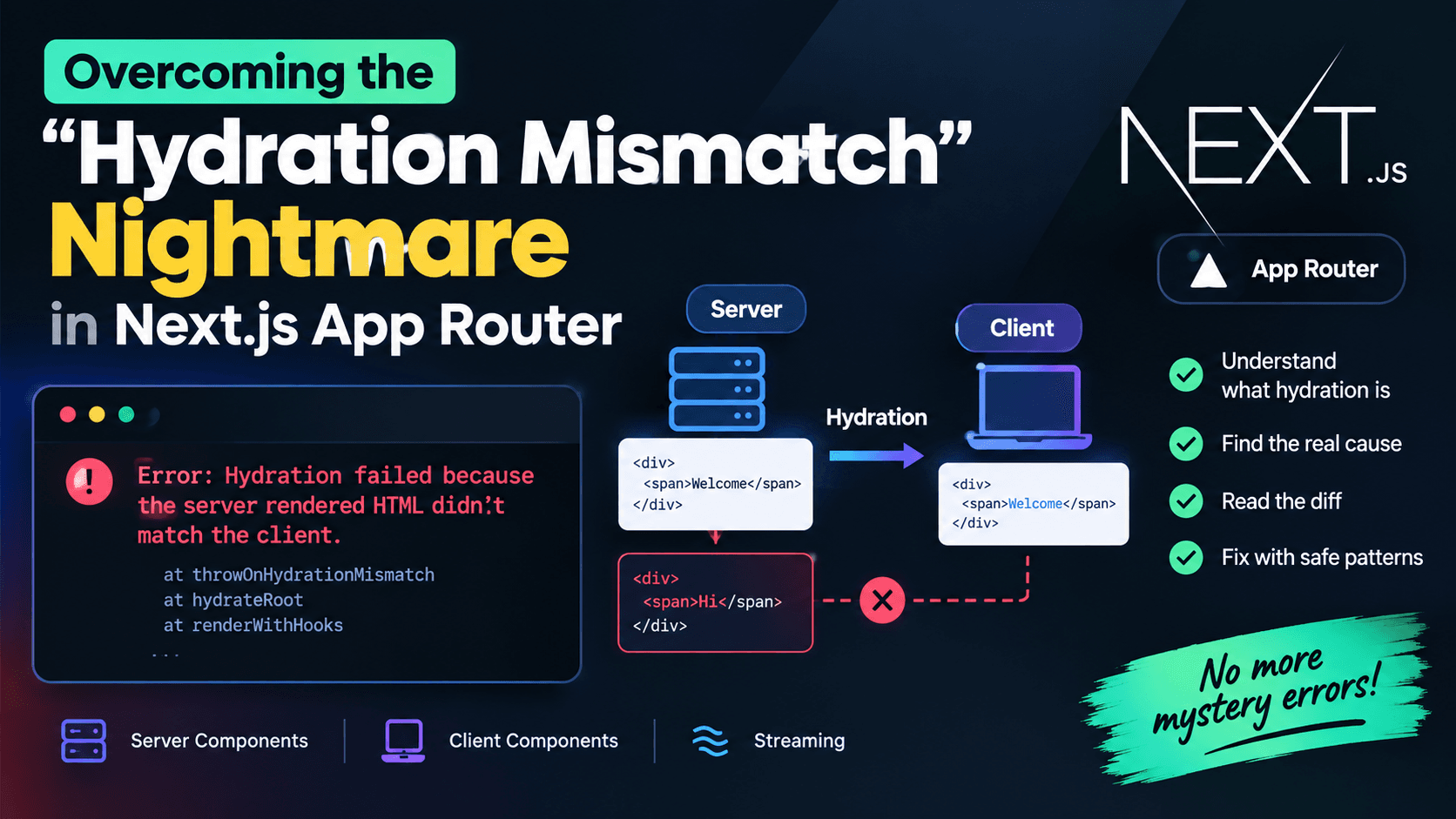
Once the server confirms a mutation, tell Next.js which cached data is stale using revalidatePath or revalidateTag from within the action. The interface then reflects real server state rather than a guess. If you have run into stale-versus-fresh rendering surprises, our guide to fixing hydration mismatch errors in Next.js App Router covers a related set of rendering pitfalls.
Handling stale deployments
The Server Actions guide notes that action IDs are generated per build and rotate, so a browser tab left open across a deployment can call an action that no longer exists, surfacing as a "Failed to find Server Action" error. Plan for it: show a friendly "please refresh" message via an error boundary, and set a stable NEXT_SERVER_ACTIONS_ENCRYPTION_KEY across instances so multi-server rollouts do not break in-flight sessions.
Putting It All Together: A Production Checklist
Authentication and authorization
Every action verifies the session before doing anything else.
Object-level permissions are checked (does this user own this record?).
Identifiers come from the session, not from form fields.
CSRF
SameSite, HttpOnly and Secure cookie attributes are set.
allowedOrigins is minimal and reviewed.
Sensitive actions use synchronizer tokens or re-authentication.
Next.js is patched and advisories are monitored.
Input and uploads
Inputs are validated with a schema at runtime.
bodySizeLimit is set deliberately and matches proxy limits.
File size and content are verified server-side; filenames are generated.
Large files use presigned uploads with post-upload verification.
Upload endpoints are rate limited.
UI state
Pessimistic updates for payments, permissions, deletions and uploads.
useActionState for results, useFormStatus for nested pending state.
Idempotency keys for create and payment operations.
Accessible status and error announcements.
Frequently Asked Questions
Are Next.js Server Actions protected against CSRF by default?
They include meaningful protections: POST-only invocation and an Origin versus Host comparison, according to the official documentation. They do not use CSRF tokens by default. For sensitive operations, combine the built-in checks with SameSite cookies and, where the risk justifies it, explicit tokens.
What is the default size limit for Server Actions, and how do I change it?
The default is 1 MB. Change it with serverActions.bodySizeLimit in next.config.js. The limit applies to the raw request body, so multipart overhead counts toward it.
Can I use allowedOrigins with a reverse proxy?
Yes. List only the domains you control. Also make sure your proxy forwards the original host via X-Forwarded-Host, since Next.js reads it when performing the Origin comparison.
Should I validate file types with file.type?
No. It is client-supplied and easy to spoof. Check the file's actual bytes on the server, and re-encode or scan files where the risk warrants it.
When should I choose optimistic over pessimistic UI?
Choose optimistic for low-risk, easily reversible interactions. Choose pessimistic when the outcome depends on server-side validation or when showing a false success would harm the user.
Do Server Actions replace API routes?
Not entirely. They are excellent for mutations tied to your own UI. Public APIs, webhooks, large streaming uploads and third-party integrations still fit Route Handlers better, and those need their own CSRF and authentication handling. For a broader comparison in AI-heavy stacks, see our architecture review of FastAPI versus Next.js Server Actions.
Conclusion
Server Actions remove a lot of boilerplate, but they do not remove the need for a security mindset. Treat each action as a public endpoint. Rely on the built-in POST and Origin checks as a foundation, add SameSite cookies and tokens where the stakes are high, and keep your framework patched. Validate every upload by what it actually contains, and move large files to presigned direct uploads. On the front end, prefer pessimistic UI wherever the truth of the server's answer matters, and back it with idempotency so retries are safe.
Get these three areas right and you can keep the developer-experience gains of Server Actions without exposing your users to avoidable risk.
This article is provided for educational purposes. Security requirements vary by application, so review your own threat model and consult current official documentation before deploying changes to production.
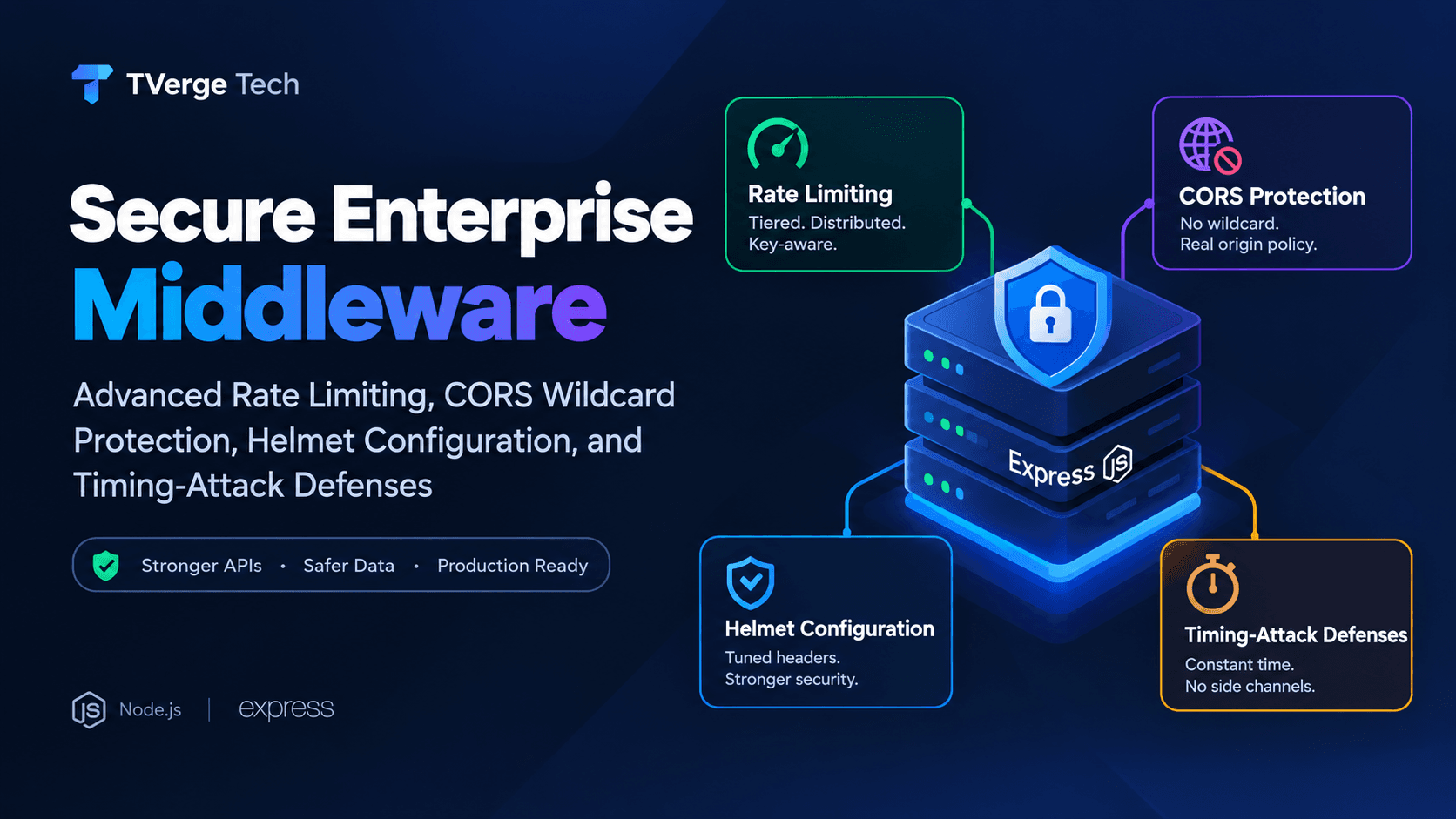
3Secure Enterprise Middleware: Rate Limiting, CORS & Helmet Guide