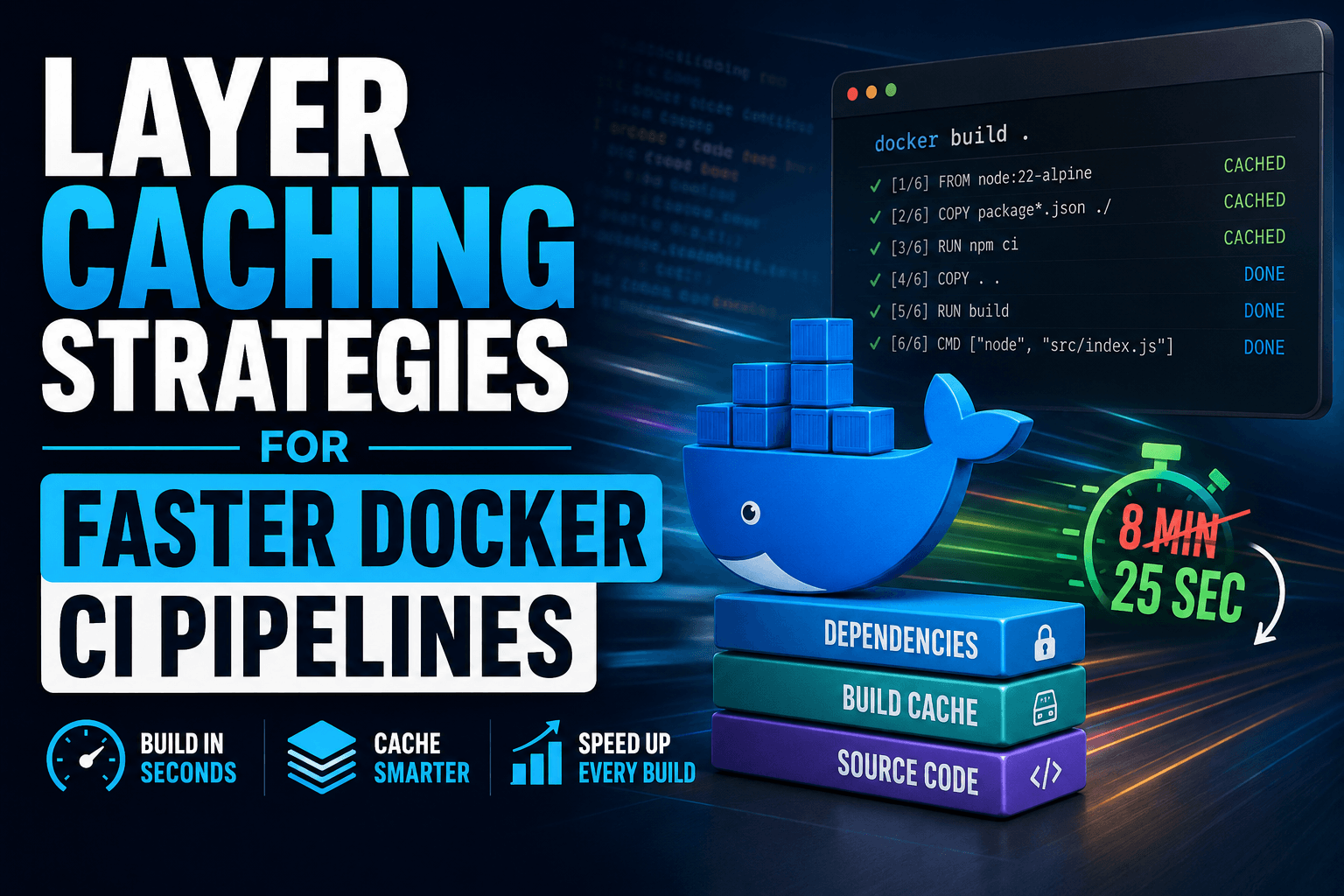
Layer Caching Strategies for Faster Docker CI Pipelines
A CI runner's local build cache dies the moment the job ends — which means the Dockerfile discipline that makes your laptop rebuild instantly does nothing for a fresh runner unless that cache is deliberately exported and pulled back in on the next run. That distinction is the reason so many "we containerized our CI" pipelines still spend eight minutes reinstalling an unchanged node_modules on every single commit. This tutorial fixes that: by the end, a dependency-only commit rebuilds in seconds instead of minutes, and the underlying reason it works — not just the commands to copy — should be clear enough to explain to a teammate.
Prerequisites
- Docker Engine 23.0+ or Docker Desktop with BuildKit enabled (default since Docker 23; confirm with
docker buildx version) - A
Dockerfileusing# syntax=docker/dockerfile:1at the top, which unlocksRUN --mount=type=cache - A GitHub repository with Actions enabled, or equivalent CI (examples below use GitHub Actions, but the caching logic applies to GitLab CI, CircleCI, and others)
docker/setup-buildx-actionanddocker/build-push-actionavailable in your workflow (both are official Docker-maintained actions)- Familiarity with basic Dockerfile syntax (
FROM,RUN,COPY) — this tutorial won't re-explain those
Step 1: Separate Dependency Installation From Source Copy
The most common cache-killer is a single COPY . . followed immediately by an install command. Docker's build cache works by hashing each instruction and its inputs — if the copied files differ at all from the previous build, that layer and every layer after it gets invalidated, per the Docker build cache documentation. Since your source code changes on nearly every commit but your package.json or requirements.txt doesn't, copying everything at once means you invalidate the dependency-install layer constantly, even though the dependencies themselves haven't changed.
Split the copy into two steps: manifest first, full source second.
dockerfile
# syntax=docker/dockerfile:1
FROM node:22-alpine
WORKDIR /app

# Only the manifest and lockfile — changes rarely
COPY package.json package-lock.json ./
RUN npm ci --omit=dev

# Everything else — changes on every commit
COPY . .

EXPOSE 3000
CMD ["node", "src/index.js"]
Checkpoint: Run docker build -t myapp . twice without changing any files. The second build should report the npm ci layer as CACHED in the output. Then edit a source file (not package.json) and rebuild — npm ci should still show CACHED, and only the COPY . . layer onward should re-execute.
Step 2: Add BuildKit Cache Mounts for Package Manager State
COPY-ordering solves layer invalidation between builds where the base layers are identical, but it doesn't help on a cold CI runner, where there's no prior image to diff against at all. For that, use RUN --mount=type=cache, which persists a directory across builds independent of the image layer history, as documented in the Dockerfile reference. The contents of a cache mount never become part of the image — only the side effects on the rest of the filesystem do — so you get the download cache without the image bloat.
dockerfile
# syntax=docker/dockerfile:1
FROM node:22-alpine
WORKDIR /app

COPY package.json package-lock.json ./
RUN --mount=type=cache,target=/root/.npm \
    npm ci --omit=dev

COPY . .
CMD ["node", "src/index.js"]
For apt-based images, note that Debian and Ubuntu base images ship a docker-clean hook that deletes /var/cache/apt at the end of every RUN, which silently defeats a cache mount targeting that path. Disable it explicitly:
dockerfile
# syntax=docker/dockerfile:1
FROM debian:bookworm-slim

RUN rm -f /etc/apt/apt.conf.d/docker-clean && \
    --mount=type=cache,target=/var/cache/apt \
    --mount=type=cache,target=/var/lib/apt \
    apt-get update && apt-get install -y curl git
Checkpoint: Run docker build --no-cache -t myapp . — this forces a full rebuild, simulating a cold CI runner. Even with --no-cache, the cache mount still persists package downloads locally, so a second --no-cache build should show a noticeably shorter npm ci or apt-get install step, since the mount survives the layer-cache bypass.
Step 3: Scope Multi-Stage Builds So Only the Right Stage Rebuilds
If your Dockerfile uses multi-stage builds — a build stage with compilers and dev dependencies, and a slim runtime stage — cache invalidation in the build stage shouldn't force a rebuild of an unrelated runtime stage, and vice versa. Docker resolves each FROM block as an independent stage with its own cache lineage, per the multi-stage builds guide, so structuring stages around what changes together — not just build vs. runtime — gets you more granular cache hits.
dockerfile
# syntax=docker/dockerfile:1

FROM node:22-alpine AS deps
WORKDIR /app
COPY package.json package-lock.json ./
RUN --mount=type=cache,target=/root/.npm \
    npm ci --omit=dev

FROM node:22-alpine AS build
WORKDIR /app
COPY --from=deps /app/node_modules ./node_modules
COPY . .
RUN npm run build

FROM node:22-alpine AS runtime
WORKDIR /app
COPY --from=build /app/dist ./dist
COPY --from=deps /app/node_modules ./node_modules
CMD ["node", "dist/index.js"]
Expected output: With this structure, a change to a .ts source file invalidates the build stage's RUN npm run build layer but leaves the deps stage — and therefore the dependency install — fully cached, even on a from-scratch build.
Step 4: Export the Cache to Survive a Cold CI Runner
Locally, Docker keeps the build cache on disk between invocations, so steps 1–3 already pay off on your machine. GitHub Actions runners, however, are ephemeral: the filesystem — and any local BuildKit cache on it — is discarded the moment the job finishes. Without an explicit export step, every CI run is a "cold runner," and the COPY-ordering discipline from Step 1 only prevents unnecessary re-installs within a single job, not across jobs. Docker's cache storage backends documentation covers the available exporters; for GitHub Actions specifically, the GitHub Actions cache backend writes the build cache to GitHub's own Actions cache service between jobs.
yaml
name: Build image
on: [push]

jobs:
  build:
    runs-on: ubuntu-latest
    steps:
      - uses: actions/checkout@v4

      - name: Set up Buildx
        uses: docker/setup-buildx-action@v3

      - name: Build and push
        uses: docker/build-push-action@v6
        with:
          context: .
          push: true
          tags: myorg/myapp:${{ github.sha }}
          cache-from: type=gha
          cache-to: type=gha,mode=max
The docker driver that ships by default cannot export to type=gha — it requires the docker-container driver that docker/setup-buildx-action provisions. mode=max matters for multi-stage builds specifically: the default mode=min only caches the final stage's layers, so the deps and build stages from Step 3 wouldn't get exported at all, and you'd lose the cache benefit across jobs even though it works within a single job.
Checkpoint: After the first workflow run, re-trigger the workflow (an empty commit works) without changing package.json. Open the build logs — steps corresponding to npm ci should show CACHED, and total job duration should drop measurably compared to the first run.
Choosing a Cache Backend: GHA vs. Registry
GitHub Actions cache vs. registry cache: GHA cache is simpler to set up and requires no extra infrastructure, but is capped at 10 GB per repository — shared across all Actions caching, not just Docker — and is scoped to the repository, so self-hosted runners outside GitHub's cache service or other repositories can't reuse it. The registry cache backend stores cache blobs as an extra tag alongside your image in any OCI registry, with no GitHub-imposed size ceiling, and is reachable from any runner that can pull from that registry — at the cost of network time pushing and pulling cache blobs on every run.
yaml
      - name: Build and push (registry cache)
        uses: docker/build-push-action@v6
        with:
          context: .
          push: true
          tags: myorg/myapp:${{ github.sha }}
          cache-from: type=registry,ref=myorg/myapp:buildcache
          cache-to: type=registry,ref=myorg/myapp:buildcache,mode=max
Reach for the registry backend once a monorepo or self-hosted runner fleet outgrows the 10 GB GHA ceiling, or when multiple repositories need to share a cache — for example, a shared base-image build that several service repos depend on.
Common Errors
ERROR: Cache export is not supported for the docker driver— The workflow is using the defaultdockerdriver instead ofdocker-container. Adddocker/setup-buildx-actionbefore the build step; it provisions the correct driver automatically.- Cache mount downloads packages every time despite
RUN --mount=type=cache— Usually caused by a package manager's own cleanup hook (like Debian'sdocker-clean) deleting the mounted directory's contents inside the sameRUN. Disable the hook before the mount is used, as shown in Step 2. npm cilayer invalidates on every commit even with correct COPY ordering — Check whether.dockerignoreexcludesnode_modulesand any generated files; without it, unrelated build artifacts get included in the build context hash and can indirectly perturb layer digests through unrelatedCOPY .instructions elsewhere in the file.- GHA cache hit rate degrades over time — The 10 GB per-repo ceiling means GitHub evicts older cache entries under pressure. If builds are getting inconsistently slower, check total Actions cache usage in repository settings and consider
type=registryinstead.
Key Takeaways
- COPY ordering (manifest before source) prevents unnecessary cache invalidation within identical build environments, but does nothing for a cold CI runner on its own.
RUN --mount=type=cachepersists package manager downloads across builds independent of layer history — necessary for the disciplined-COPY-ordering benefit to survive--no-cacheor a fresh runner.- Multi-stage builds should be split around what changes together, not just build-vs-runtime, to get granular per-stage cache hits.
- None of the above helps on GitHub Actions without an explicit cache export step (
cache-to), since runner filesystems are ephemeral between jobs. - Pick
type=ghafor simplicity under the 10 GB cap, andtype=registryonce you need cross-repo sharing or hit that ceiling — usingmode=maxin either case so multi-stage builds actually export fully.